Support Material Removal — Clean Breaks for Perfect Prints

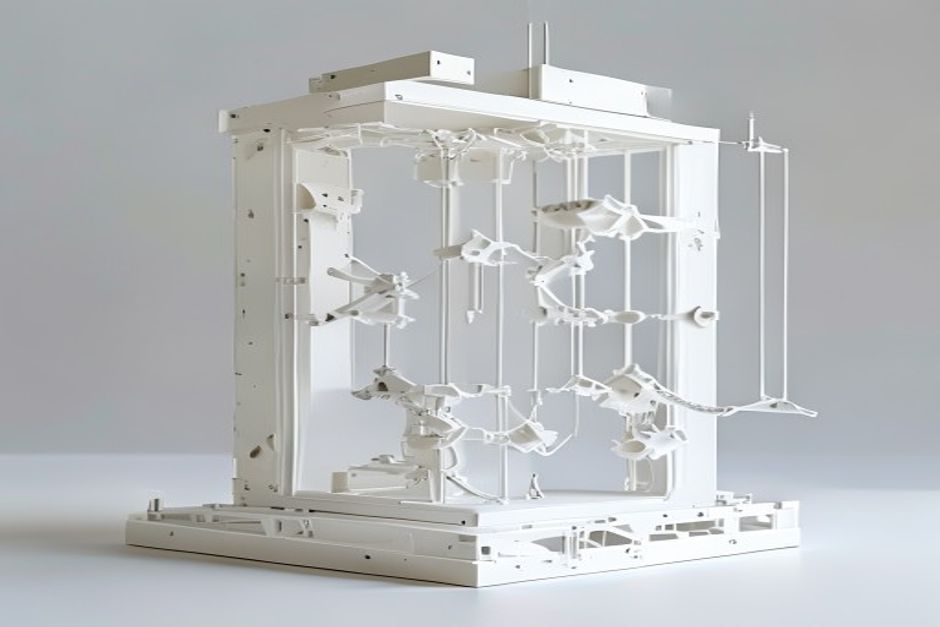
Support removal can make or break a print. Done wrong, it damages surfaces and destroys details. This guide covers techniques for every support type to achieve clean, damage-free results.

Support  — Clean Breaks for Perfect Prints

Support Types Overview

Traditional Linear Supports

Standard grid-based supports:

長所だ:

  • Universal compatibility
  • Predictable behavior
  • Easy to configure

短所だ:

  • Difficult removal on some geometries
  • Surface scarring possible
  • Waste material

Tree Supports

Organic, branching structures:

長所だ:

  • Less material usage
  • Easier removal
  • Reduced surface contact

短所だ:

  • Requires specific slicer support
  • Longer slice time
  • Less predictable

Production prints often benefit from tree supports.

Dissolvable Supports

PVA or HIPS secondary material:

長所だ:

  • Complete removal
  • Complex geometry support
  • Minimal surface damage

短所だ:

  • Requires dual extrusion
  • Higher cost
  • Dissolution time required
Support  — Clean Breaks for Perfect Prints - types

Removal Techniques

Traditional Supports

Tools needed:

  • Needle-nose pliers
  • Flush cutters
  • Deburring tool
  • Patience

Technique:
1. Wait for complete cooling (2+ hours ideal)
2. Start at edges and corners
3. Pull in direction away from model
4. Use tools for stubborn sections
5. Final cleanup with deburring tool

Tree Supports

Advantages of tree supports:

  • Snap off in sections
  • Less force required
  • Contact points smaller

Removal:
1. Identify main trunk connections
2. Twist and pull gently
3. Work from bottom up
4. Final cleanup minimal

Flexible materials require gentler support removal.

Dissolvable Supports

PVA removal:

  • Submerge in warm water (40-60°C)
  • Agitate periodically
  • Change water if saturated
  • Time: 2-24 hours depending on volume

HIPS removal:

  • Use d-Limonene solvent
  • Follow safety precautions
  • Ventilation required
  • Time: 4-12 hours typically
Support  — Clean Breaks for Perfect Prints - problems

Slicer Settings for Easy Removal

Support Interface

セッティング Easy Removal Clean Surface
Interface density 低い 高い
Interface layers 1-2 3-4
Z distance 0.2mm 0.1mm
XY distance 0.7mm 0.5mm

Support Density

密度 最適
10-15% Easy removal priority
15-20% Balanced
20-30% Overhangs priority

Preventing Damage

Common Causes of Damage:

1. Too low Z distance — Supports bond to model
2. Insufficient cooling — Supports fuse to surfaces
3. Wrong pattern — Entangled supports
4. Rushing removal — Force breaks model

Solutions:

  • Increase Z offset 0.05mm at a time
  • Ensure adequate cooling
  • Match pattern to geometry
  • Allow full cooling before removal

Post-Removal Cleanup

Surface Treatment

Light scarring:

  • Heat gun briefly (careful!)
  • Fine sandpaper (400-600 grit)
  • Fill with matching material

Severe damage:

  • Sand and epoxy fill
  • Consider reprint
  • Adjust settings for next attempt

ABS prints can be smoothed with acetone after support removal.

よくあるご質問

What is the practical value of Support Material Removal — Clean Breaks for Perfect Prints?

Support Material Removal — Clean Breaks for Perfect Prints helps connect material choice, process limits, cost, and application risk before committing to production.

What should be checked first for Support Material Removal — Clean Breaks for Perfect Prints?

まず、実際のアプリケーション要件、想定される環境、生産数量、公差要件、および品質管理に関する要件から検討を開始してください。.

What usually causes problems in Support Material Removal — Clean Breaks for Perfect Prints?

問題は通常、要件が不明確であること、材料の不適合、非現実的な公差、検査基準の欠如、あるいは設計変更の遅れに起因します。.

How can buyers reduce risk with Support Material Removal — Clean Breaks for Perfect Prints?

購入者は、見積りを依頼する前に、図面、使用条件、重要寸法、目標数量、品質要件などを共有することで、リスクを軽減することができます。.

カスタムソリューションを作りましょう

このフィールドは必須です。.
このフィールドは必須です。.
このフィールドは必須です。.
このフィールドは必須です。.
このフィールドは必須です。.

関連記事

トップに戻る