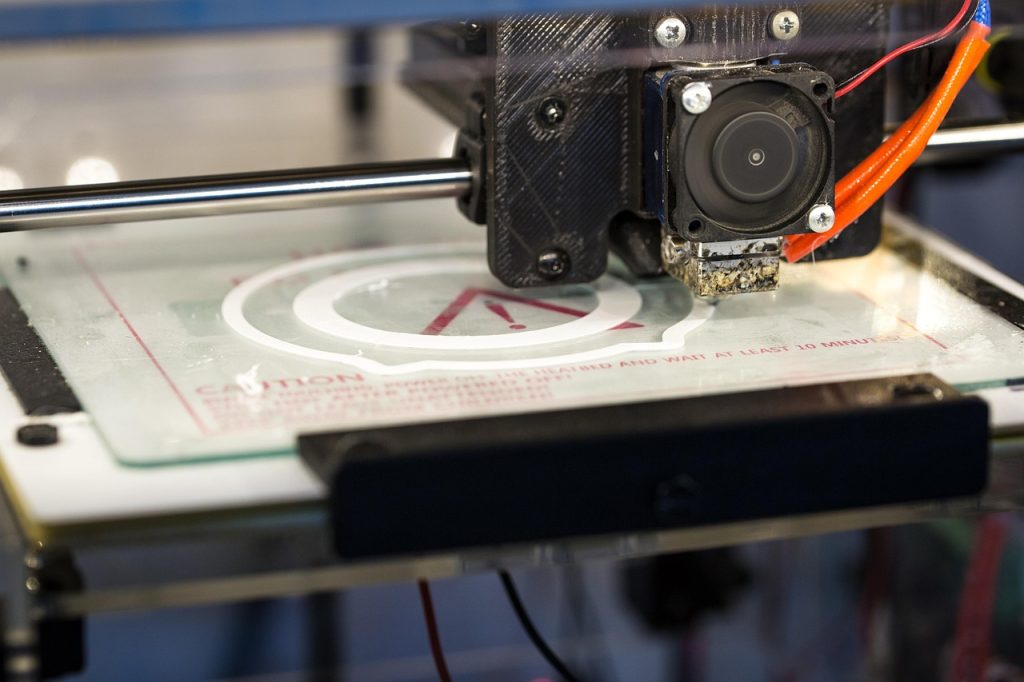
Nylon printing temperature must be calibrated for the exact PA6 or PA66 filament, printer, moisture condition and part geometry.
Start with the exact filament’s nozzle, bed and drying instructions. PA6, PA66, blends and reinforced grades can behave differently even when they share a nylon name. Dry the spool first, then change one setting at a time within both the filament window and the printer’s ratings.
Understanding Nylon Thermal Properties
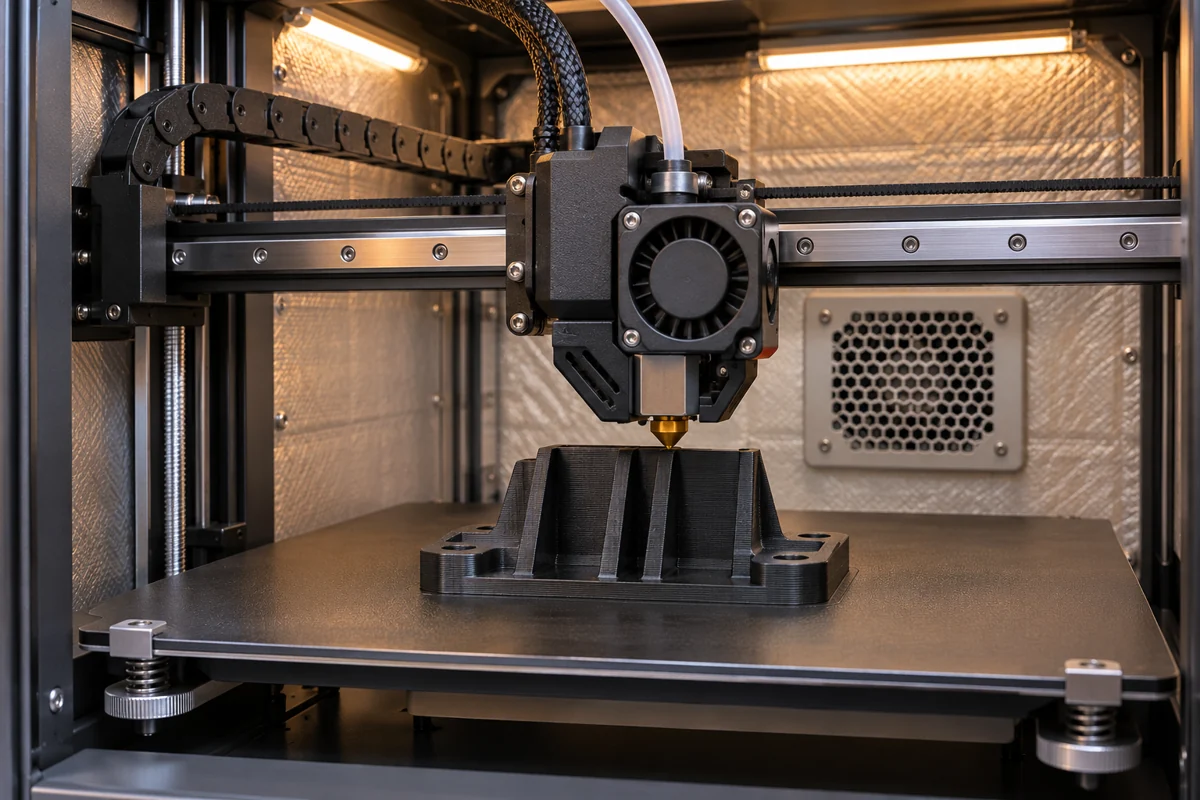
Nylon (polyamide) is a semi-crystalline thermoplastic that requires specific temperature control during printing. Unlike PLA or PETG, nylon has a narrow processing window where optimal layer adhesion and dimensional accuracy coincide.
Semicrystalline nylon has both a glass transition and a melting range. A resin melting point describes a material property. A printer setpoint also depends on formulation, flow, nozzle hardware and the conditions of the build.

Hotend Temperature Settings
PA6 (Nylon 6) Temperature Range
Use the PA6 filament supplier’s window. For example, Fiberon PA6-CF20 calls for 280–300°C at the nozzle and 40–50°C at the bed. These figures apply to that carbon-filled grade.
PA66 (Nylon 66) Temperature Range
Confirm whether the spool is PA66, a copolyamide or a filled grade. Polymaker PolyMide CoPA is a PA6/PA66 copolymer with a specified 250–270°C nozzle range and a 25–50°C bed range. For a PA66 spool, use the grade sheet and verify the hotend rating before loading it. See the nylon family comparison for the material decision.

ベッド温度と密着性
Nylon is notorious for bed adhesion challenges. Here are proven solutions:
Recommended Bed Temperatures
| フィラメント | Bed range in supplier guide | Build surface |
|---|---|---|
| Fiberon PA6-CF20 | 40–50°C | Check the filament and build plate guidance. |
| PolyMide CoPA | 25–50°C | Supplier lists PC and textured PEI, with adhesive where needed. |
| Other PA6, PA66 or filled grade | Use the exact grade sheet | Follow the printer and plate maker’s adhesion and release instructions. |
Adhesion Solutions
Start with a clean, compatible surface, then check first-layer height and release instructions. Apply only an adhesive permitted by the plate and filament suppliers. Test on a small part before committing to a large build.
Chamber Temperature and Enclosure
Check whether the filament calls for an enclosure, a controlled chamber temperature or ambient printing. An enclosure can limit drafts, but it does not deliver a guaranteed chamber temperature. Use the machine’s documented controls.
If your printer lacks an enclosure, consider whether your project warrants production-grade equipment.
Temperature Tower Calibration
A temperature tower lets you compare several nozzle settings with the same spool, speed, cooling and orientation. Put each step inside the grade’s published window and the printer’s limit. Inspect bridges, surface and layer bonding, then print a coupon that represents the real part.
Record the setpoint for each segment in your slicer. Check the actual change points in the toolpath preview, and keep the first layer and other controls fixed while comparing the segments.
Remember: nylon must be dry before temperature testing!
よくある問題のトラブルシューティング
Under-extrusion at Temperature
If you experience under-extrusion even at high temperatures:
- Check for nozzle clogs (especially with glass-filled nylon)
- Check the hotend rating and the filament’s stated flow conditions
- Consider a hardened steel nozzle for abrasive variants
Warping Despite Correct Temperature
Warping often relates to bed adhesion, not hotend temperature:
- Adjust bed temperature within the supplier and machine limits
- Apply additional adhesive
- Ensure enclosure maintains consistent temperature
層間の密着不良
If layers separate easily:
- Try a small temperature change within both documented limits
- Use the filament maker’s cooling guidance and compare a small coupon
- Check for moisture contamination
Special Considerations
ガラス繊維強化ナイロン
Glass-filled nylon can abrade the nozzle and change flow behavior. Follow the exact filament maker’s nozzle, speed and temperature guidance.
カーボンファイバーナイロン
Carbon-fiber nylon also needs grade-specific nozzle and moisture control. Compare stiffness using the same specimen orientation and conditioning.
Nylon Blends
Copolyamides and blends have their own process windows. Use the current grade sheet and verify the listed settings on a small build.
関連記事
よくある質問
What nozzle temperature should I start with for PA6?
Use the range listed on your exact spool’s technical sheet. Calibrate with dry filament and keep every step within the printer’s nozzle rating.
Does PA66 need a higher nozzle temperature than PA6?
The PA66 base polymer has a higher melting range, but an actual filament’s grade, fillers and additives determine the print window. Compare the two supplier profiles before selecting settings.
Why does nylon still warp when the nozzle temperature is correct?
Warping also depends on bed adhesion, chamber conditions, cooling, geometry and moisture. Check these together instead of increasing the nozzle temperature alone.
Should I dry nylon before testing a temperature setting?
Yes. Moisture can cause inconsistent extrusion and weak or rough layers, making a temperature test misleading. Use the drying instructions for the specific filament and keep it dry during printing.
部品の審査をご依頼の際は、図面またはCADファイル、グレードおよび加工方法(決定済みの場合)、数量、使用温度、負荷、重要嵌合部、および受入要件をお送りください。 部品と製造工程について話し合う.